
Add Safe Creative to our search engines
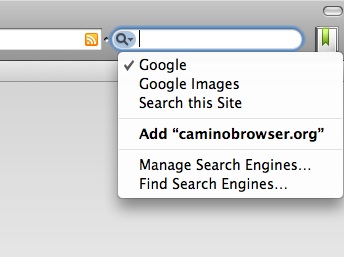
Now we can add Safe Creative to our web browser’s search engine. Search engines are usually on the top right corner of the web browser.
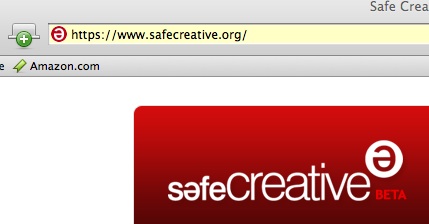
Step 1.- Go to Safe Creative
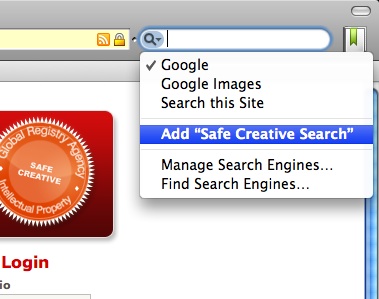
Step 2.- Spread the list of search engines out, the clic on “Add Safe Creative Search”.
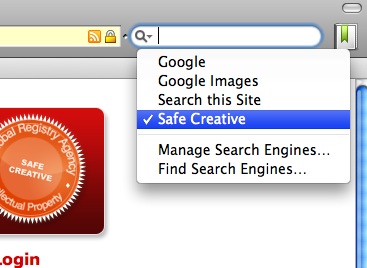
Step 3.- Once added we only have to select it and start searching by title, tags, etc for works registered in Safe Creative.

One Reply to “Add Safe Creative to our search engines”